Ferna PDF Reader logoFerna PDF Reader
NEW · Version 1.4

Read, annotate and understand your PDFs.

A free PDF reader for your browser, with every page fitted to your window, a Xodo-style stylus, smooth text selection, proper Sinhala support and a private AI assistant that runs on your own computer.

Works in Chrome · Brave · Edge · Firefox  —  no account, no ads, no tracking.

The Ferna cats sitting under a full moon
☕

Ferna PDF Reader is free, and built by one developer.

If it saves you time and boosts your productivity, you can support its development here.

Buy me a coffee

Everything you need to read and study PDFs

Designed for students, researchers and anyone who spends their day with PDFs.

Reading

Every page fitted to your window

Portrait or landscape, each page fills the width of the window, so mixed documents are easy to read.

  • Fit width, fit page or any zoom percentage
  • Rotate pages from the toolbar or a small menu on the page
  • Outline, thumbnails and a clean toolbar that stays out of the way
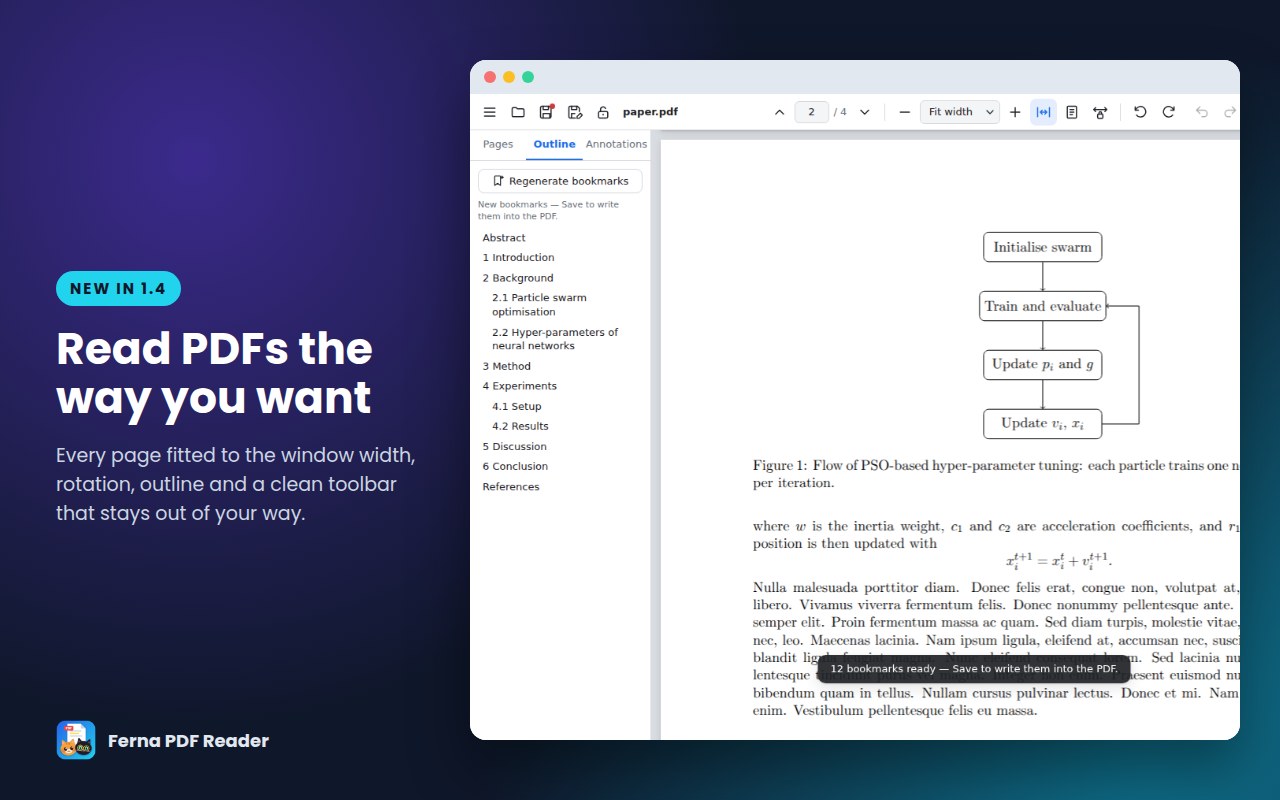
Ferna PDF Reader showing a document with its outline
New in 1.4

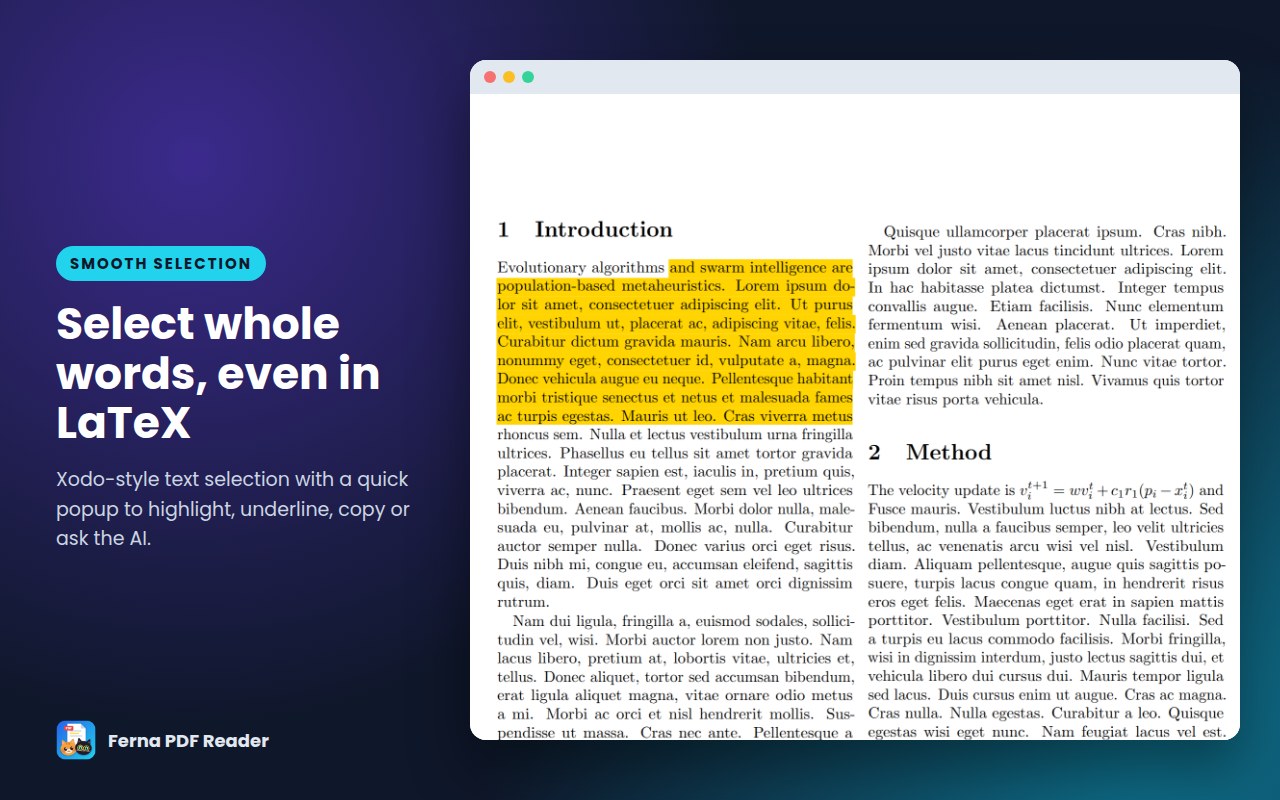
Smooth, Xodo-style text selection

Selection snaps to whole words, even in two-column LaTeX papers. A quick popup lets you highlight, underline, copy or ask the AI about the selected text in one tap.

Highlighted text in a two-column paper
New in 1.4 · සිංහල

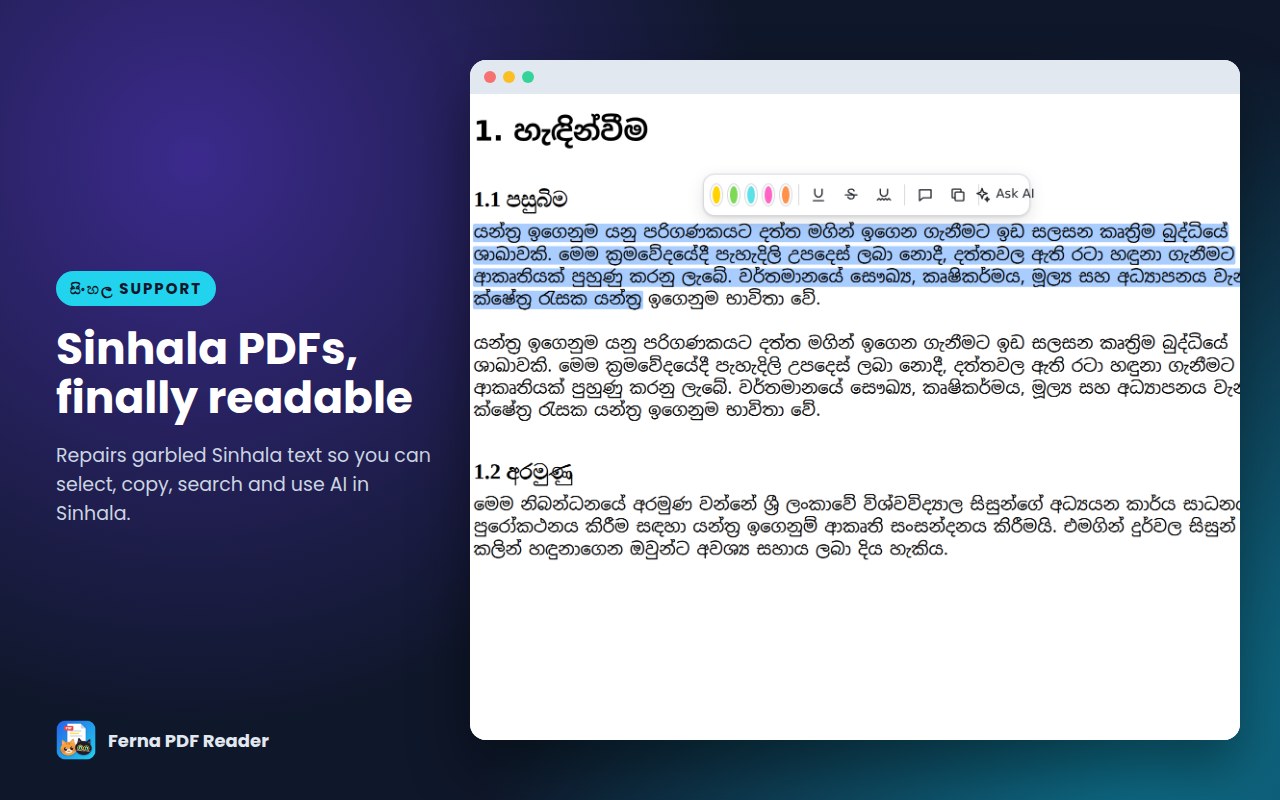
Sinhala PDFs, finally readable

Many PDF viewers show Sinhala text as garbled characters. Ferna PDF Reader repairs it, so you can select, copy, search and use the AI in Sinhala.

A Sinhala PDF with selectable text
Private AI

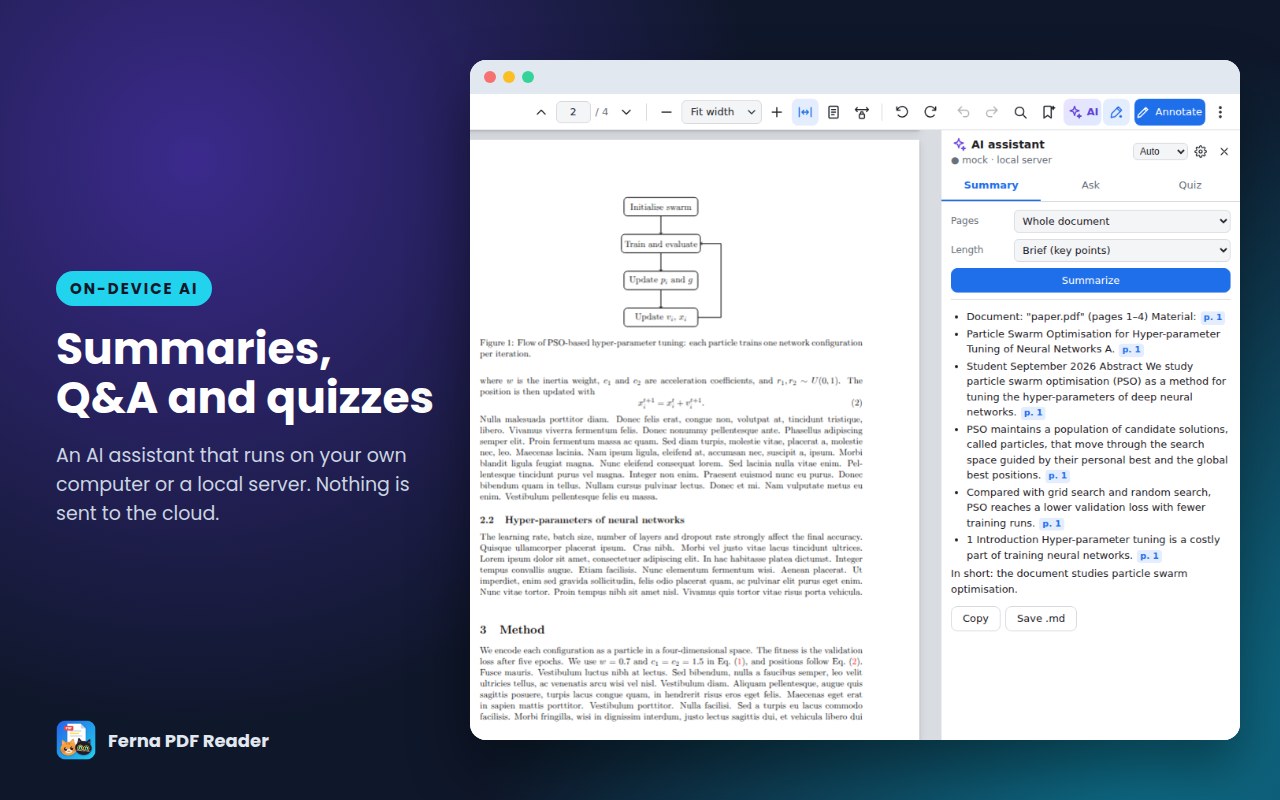
Summaries, questions and quizzes

An AI assistant that runs on your own computer, or on a local server you choose. Your documents are never sent to the cloud.

  • Summaries with page references
  • Ask questions about the document
  • Study quizzes, in English and Sinhala
The AI assistant summarising a paper
Annotate

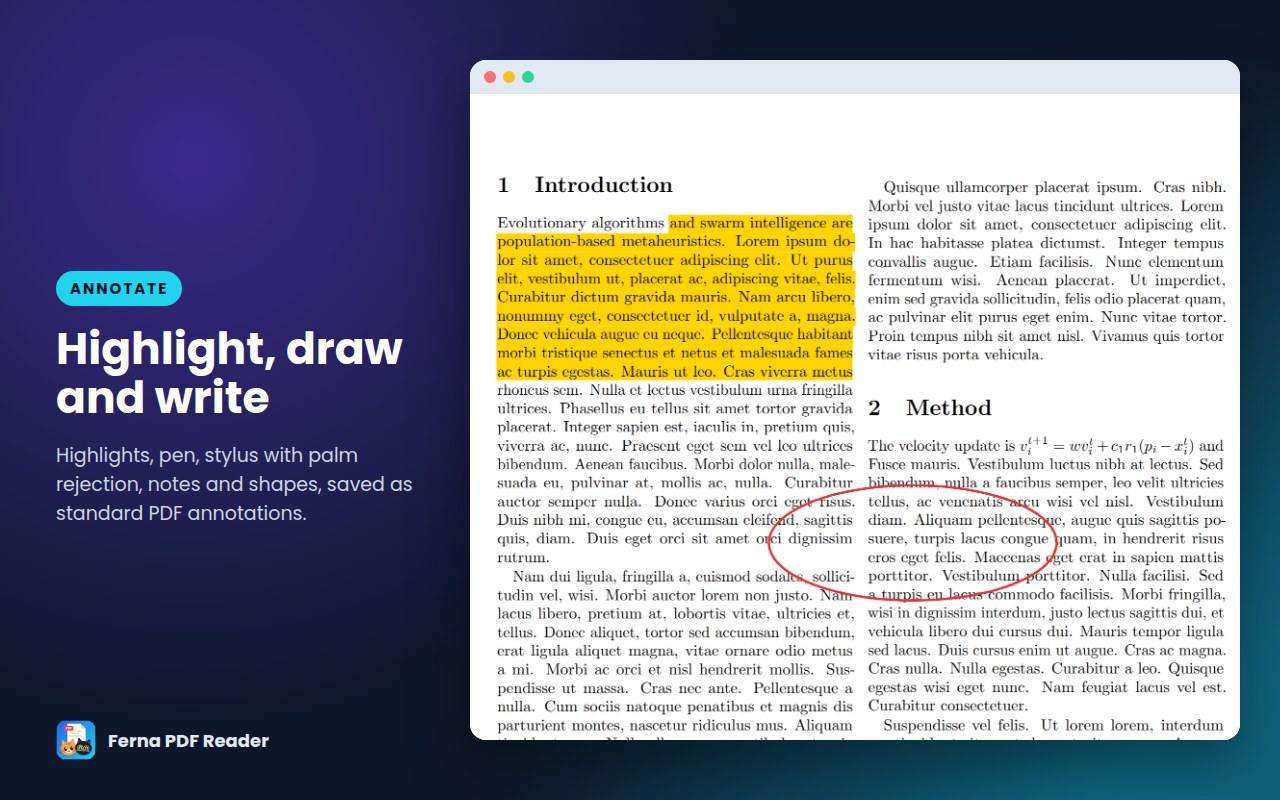
Highlight, draw and write

Highlights, underline, strike-out, area highlight, pen, marker, notes, text boxes and shapes. The tool panel hides itself once you pick a tool. Annotations are saved as standard PDF annotations that open in every PDF reader.

Highlighted text and pen ink on a page

And there's more

✍️

Stylus like Xodo

A pen writes at any time without choosing the Pen tool, with smooth ink and palm rejection.

🔖

Auto-Bookmarks

Builds a bookmark tree from the table of contents or the headings, like a person would.

👆

Reference popups

Click “Figure 3” or “Table 2” and it pops up in a floating card instead of jumping away.

💾

Save without dialogs

Ctrl+S saves straight over the file you opened (with the free Windows save helper).

🔒

Password protection

Add or remove a password with standard AES-256 / AES-128 PDF encryption.

🦊

Every major browser

Chrome, Brave, Edge and Firefox, with the same features everywhere.

Get Ferna PDF Reader

Free for everyone. Available now on the Chrome Web Store and Firefox Browser Add-ons.

🌐

Chrome, Brave & Edge

Install from the Chrome Web Store. Works in Google Chrome, Brave and Microsoft Edge.

Add to Chrome – free
🦊

Firefox

Install from Firefox Browser Add-ons (Firefox 140 or newer).

Add to Firefox – free
🪟

Save helper for Windows (optional)

Lets Save (Ctrl+S) overwrite PDFs opened from your disk, with no Save window.

Download save helper
  1. Unzip it to any folder.
  2. Double-click Install-Save-Helper.bat.
  3. Restart your browser.

Tip: to open PDFs stored on your computer in Chrome, open Extensions → Ferna PDF Reader → Details and turn on Allow access to file URLs.

Ferna PDF Reader – Privacy Policy

Ferna PDF Reader does not collect, store or transmit any personal data or usage data. PDFs and annotations are processed entirely on your computer.

The extension connects to the internet only to:

  • fetch the PDF you open;
  • download an AI model once, if you choose to use the on-device AI (from huggingface.co / raw.githubusercontent.com);
  • reach an AI server address that you enter yourself.

Settings are stored locally in your browser. There are no analytics, no ads and no tracking.

Contact: tgi.fernando@gmail.com

Also available as a separate page: Privacy Policy.

🐾

Enjoying Ferna PDF Reader?

A coffee keeps new features coming. Thank you for your support!

☕ Buy me a coffee